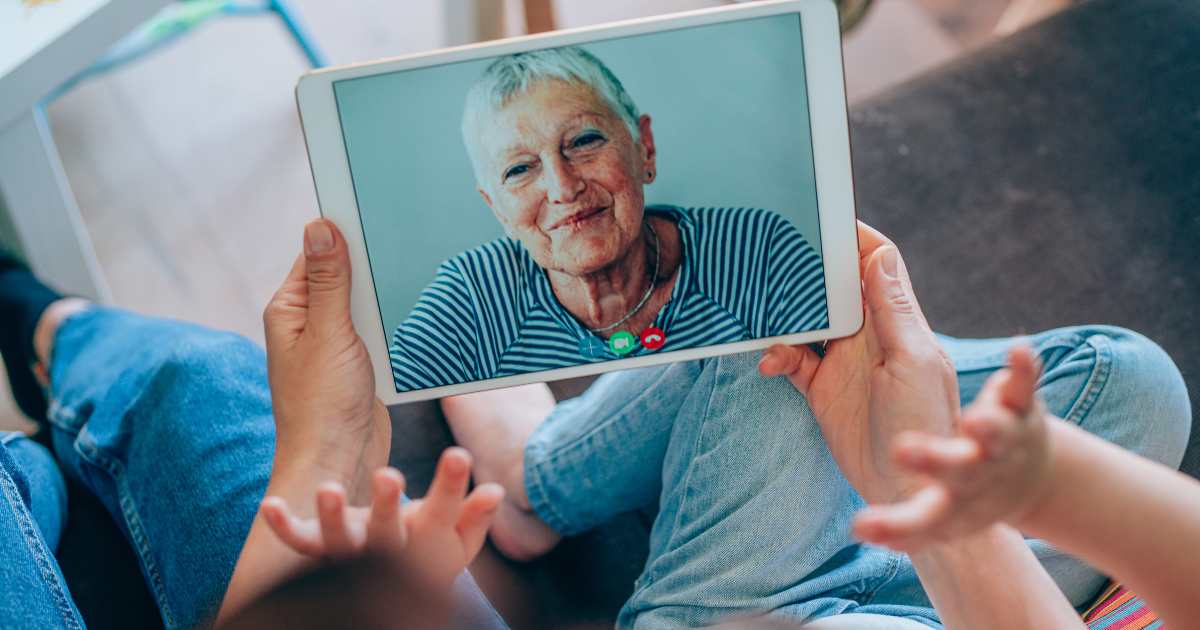
Discover 7 Joyful Video Call Apps for Seniors to Connect | 2026 Guide
Beyond Zoom: 7 Underrated Video Call Tools for Staying Close to Family (Especially Grandkids!)
Zoom fatigue is real. If you’ve ever fumbled with login links, struggled with updates, or felt overwhelmed by grids of faces, you’re not alone. For seniors and grandparents eager to connect meaningfully with loved ones (yes, those giggling grandkids!), there are simpler, more joyful alternatives—designed for low bandwidth, big buttons, and zero downloads (some even work right in your browser!).
Let’s explore 7 underrated video call tools that prioritize ease, reliability, and heartwarming moments—no tech degree required.

📱 FaceTime vs. WhatsApp vs. Marco Polo vs. Google Meet — and 3 New 2026 Favorites
FaceTime | Apple users only | ⭐⭐⭐⭐⭐ (built-in) | Yes—animated effects delight kids! |
WhatsApp | Cross-platform (iOS/Android) | ⭐⭐⭐⭐ | Very—simple interface, voice/video calls + photos |
Marco Polo | Asynchronous video messages | ⭐⭐⭐⭐⭐ | Perfectfor time-zone gaps or shy little ones |
Google Meet | Browser-based, no app needed | ⭐⭐⭐ | Good—but can feel “work-like” |
Jamm(2025) | One-tap group calls, big icons | ⭐⭐⭐⭐⭐ | ✅ Huge buttons, playful emojis |
Caribu(revamped 2025) | Interactive story time + drawing | ⭐⭐⭐⭐ | ✅ Built-in books, coloring—grandkid magnet! |
Everscreen(new 2025) | “Magic link” calls—no app install | ⭐⭐⭐⭐⭐ | ✅ Grandma clicks link → instant call! |
👉 Pro insight: Tools like Everscreen and Jamm were built with seniors in mind—think voice-guided setup, high-contrast buttons, and no confusing menus.
📸 How to Share Photos During a Call (No Email Needed!)
Forget attaching files or hunting through folders. These apps let you share photos live:
- WhatsApp & FaceTime*: Tap the 📎 (paperclip) or ➕ during a call → choose photo → send instantly.
- Marco Polo: Record a quick video message while holding up a photo—it’s sent as a looping “video postcard.”
- Caribu: Upload photos into its “Memory Album” feature—flip through together like a digital scrapbook while video chatting.
💡 Bonus: Some 2025 tools (like Jamm) auto-suggest recent photos when you tap “Share”—intelligent and intuitive!
🖱️ Setting Up “One-Tap Calling” on Tablets & Smartphones
Make calling as easy as pressing a button:
- On iPad/iPhone: Open Safari → go to Everscreen or Google Meet link → tap Share → “Add to Home Screen.” Rename it “Call Emma!”
- On Android: Use Chrome → three dots → “Add to Home screen.”Create a home screen shortcut:
- Use Caribu’s “Favorites” tab: Pin your grandkids’ profiles—tap once to start a story-time call.
- Try voice commands: “Hey Google, call Lily on Jamm” (if linked). Works hands-free!
📌 Safety note: All recommended tools use end-to-end encryption—your chats stay private and secure.
📅 Pro Tip: Schedule Recurring “Story Time” Calls with Auto-Reminders
Consistency builds connection. Use built-in calendar features:
- In Caribu, create a weekly “Grandma Story Hour” event—kids get cute animated reminders.
- Google Meet integrates with Gmail Calendar: Set a repeating event → auto-send link to family.
- Marco Polo lets you schedule a weekly prompt: “Send Emma a bedtime message every Sunday!”
Kids love predictability—and you’ll never miss a moment again.
💖 Final Thought: Connection Should Be Joyful—Not Complicated
You don’t need to master Zoom to share hugs, stories, and laughter across miles. These tools put simplicity and heart first—because what matters isn’t the tech… It’s the twinkle in your grandchild’s eye when they see you appear on screen. It’s the way their voice brightens when you read Goodnight Moon together—even from 500 miles away. It’s knowing that love doesn’t need Wi-Fi passwords or software updates—just you, your smile, and a tap.
And for the little ones? These calls aren’t just “screen time”—they’re magic time. It’s Grandma’s voice turning pages of a shared storybook. It’s drawing rainbows together on the same screen. It’s sending a silly dancing video that makes them giggle at breakfast. It’s learning your laugh, your lullabies, your love—up close, even from afar. In a world that moves so fast, these moments become their quiet anchors: “I am seen. I am loved. I belong.”
👉 Try one this week—your next “I love you, Grandma!” is just a tap away.
Let technology bring joy—not frustration—back into family time. 🌟