2026 No-Jargon Smart Home Device Guide | Guide to Smart Home Devices for Beginners
The “No-Jargon” Guide to Smart Home Devices for Beginners (2026 Edition)
2026 No-Jargon Smart Home Device Guide | Smart home hubs for beginners
Tired of confusing tutorials, tangled wires, and setups that feel like assembling IKEA furniture blindfolded? You’re not alone. This is your stress-free roadmap to a smarter home—no tech degree required. We’ll walk you through 5 truly beginner-friendly smart devices that save time (not headaches), plus a step-by-step setup checklist, privacy tips, and real-world savings. Let’s make smart simple.
🌟 Why This Isn’t Another Overwhelming Tech Guide
This guide is written with you in mind—if “Wi-Fi 6E” sounds like sci-fi, or if terms like “Zigbee” or “hub” make you reach for the mute button—you’re in the right place. We focus on easy smart devices that work out of the box, respect your privacy, and actually improve daily life (like turning on lights without getting out of your chair).
🔌 Top 5 Plug-and-Play Smart Devices (Zero Wiring, Zero Stress)
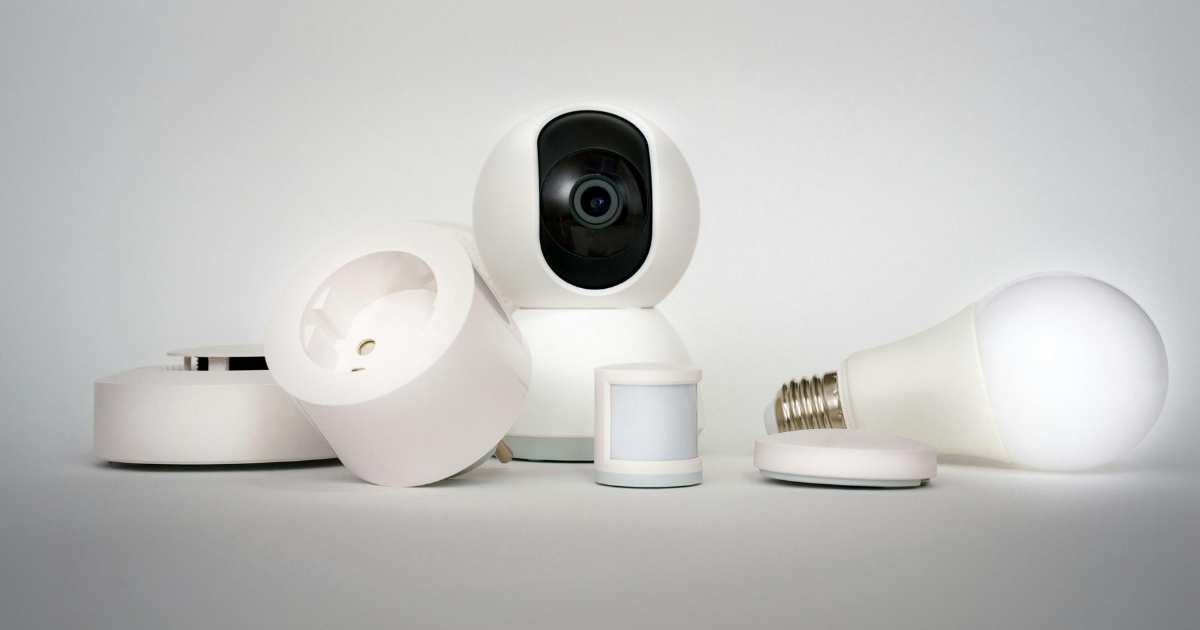
- Smart Plugs (e.g., TP-Link Kasa Mini). What it does: Turns any lamp, fan, or coffee maker into a voice- or app-controlled device. Why it’s beginner-friendly: Plug in → open app → name it (“Bedroom Lamp”) → done in 3 minutes. Pro tip: Use with a floor lamp for automatic evening lighting—no more fumbling for switches.
- Video Doorbell with Voice Guidance (e.g., Eufy Video Doorbell Dual) What it does: See & speak to visitors from your phone—even if you’re in pajamas. Why it’s beginner-friendly: Built-in voice prompts guide you through setup. No subscription needed—stores video locally (more on privacy below). Bonus: Works with Alexa/Google Assistant for hands-free answering: “Alexa, show me the front door.”
- Smart Light Bulbs (e.g., Philips Hue White Starter Kit or Wyze Bulb Color). What it does: Adjust brightness or set schedules (“Lights on at sunset”). Why it’s beginner-friendly: Screw in → power on → pair via app. No hub required for basic models. Safety perk: Simulate occupancy while traveling—deters porch pirates.
- Smart Thermostat (e.g., Google Nest Thermostat): learns your schedule and adjusts heating and cooling to save energy. Why it’s beginner-friendly: Install takes ~25 mins (video walkthrough included). Self-configuring—no programming needed. Savings: Average users save ~10–12% on heating/cooling bills.
- Voice Assistant Speaker (e.g., Amazon Echo Dot (5th Gen)) What it does: Your hands-free remote for lights, timers, weather, calls—even jokes. Why it’s beginner-friendly: Say “Alexa, turn on the kitchen light”—no app needed for daily use. Independence boost: Perfect for controlling devices without reaching for a phone or remote.
✅ Beginner Setup Checklist
- ✔️ Strong Wi-Fi signal where the device lives (test with your phone—if streaming stutters, move the router or add a mesh extender)
- ✔️ Smartphone (iOS or Android) for initial setup
- ✔️ Download the device’s app before unboxing
- ✔️ Use simple, consistent names (e.g., “Kitchen Light,” not “IoT-Node-7”)
🛡️ Privacy-First Brands: No Creepy Data Sharing
Not all smart devices are created equal. These prioritize your security:
- Eufy (by Anker): Video doorbells & cameras store footage on-device—no cloud unless you opt in.
- TP-Link Kasa: Offers local control (via app on the same network) and clear data policies.
- Aqara: Devices work with Apple HomeKit (end-to-end encryption) and don’t sell your data.
🔍 Quick Privacy Tip: When setting up any device, check:
- Does it require a cloud account? (Optional = better)
- Can you disable the microphone/camera when not in use?
- Is there a physical shutter or mute button?
⚠️ How to Avoid “Smart Home Regret”
Even the best gadgets can disappoint if you skip these basics:
- Wi-Fi Strength Matters Smart devices need a reliable signal—not speed. Use a free app like Wi-Fi Analyzer to check signal strength (aim for -65 dBm or better). Weak spots? Try a mesh system (e.g., Eero 6) instead of old-school extenders.
- Compatibility Is Key. Stick to one ecosystem early on:
- Apple users? Look for “Works with Apple Home”
- Android/Google fans? Choose “Works with Google”
- Amazon loyalists? “Works with Alexa”
- Support & Updates Check: Does the brand still update firmware? (Avoid obscure brands with no website or 2022-dated support pages.) Reputable brands like TP-Link, Eufy, and Nest offer 3+ years of security updates.
🌤️ Real User Story: “How My 68-Year-Old Mom Controls Lights with Her Voice”
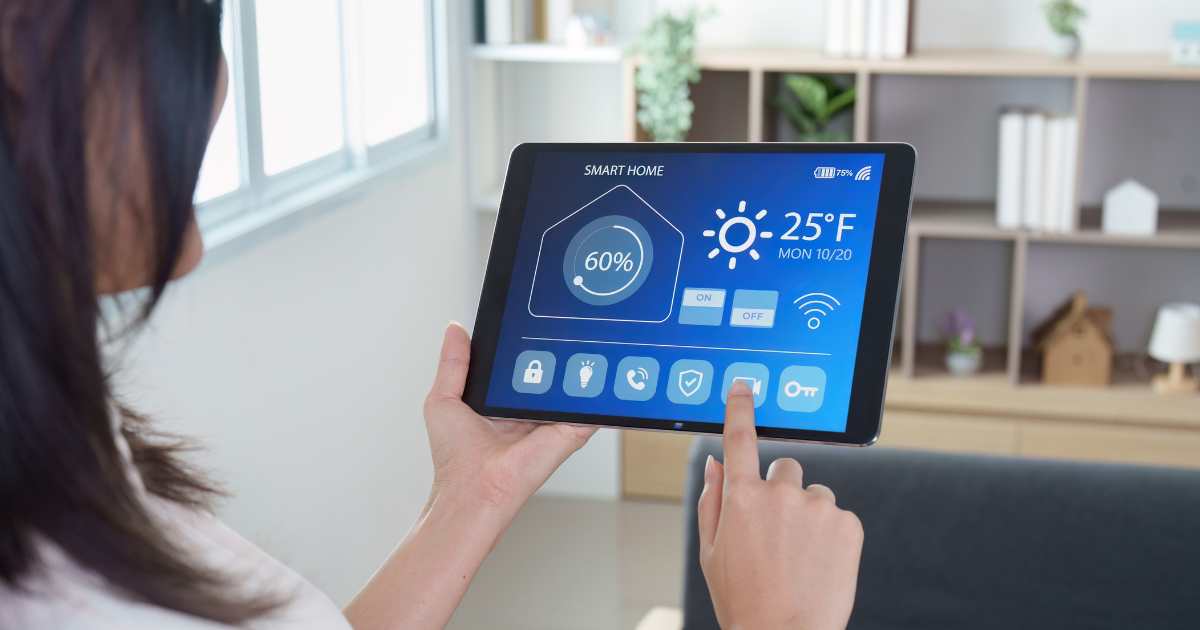
“Mom was skeptical—‘I don’t need a robot telling me when to turn off the TV!’ But after we set up two smart bulbs and an Echo Dot, everything changed. Now she says, ‘Alexa, dim the lights,’ while watching her shows. She uses voice reminders for meds. Last winter, she turned on the porch light from bed during a storm—no icy steps. She even taught her bridge club how to set timers for tea. Her words? ‘It’s not fancy. It’s just… helpful.’” — David, age 64, San Francisco
This isn’t about flashy tech—it’s about independence, safety, and ease. And that’s something everyone deserves.
💡 Ready to Start? Try This First Step Today
👉 Pick one device (we recommend a smart plug + lamp combo) and set it up in under 10 minutes. Small wins build confidence—and a smarter home, one step at a time.
No jargon. No pressure. Just smarter living.
💙 No Worries — Real Help Is Just a Message Away
You don’t need to figure this out alone—and you definitely don’t need to become “tech-savvy” overnight. A smarter, safer, simpler home is possible, and we’re here to make it happen—your way.
Need hands-on help? Contact “I Need A Techie” — we specialize in stress-free, jargon-free smart home setup for beginners, seniors, and anyone who values their time and peace of mind.
✅ In-home or remote support
✅ Clear explanations — no confusing terms
✅ Privacy & safety built in from day one
✅ We listen first, then solve
📩 Get started: Visit ineedatechie.com or call/text 925.297.4404.
No sales pitch. No pressure. Just friendly, patient support that puts you in control. All links and references are clean and safe.
👉 Enjoyed 2026 No-Jargon Smart Home Device Guide? Please share.