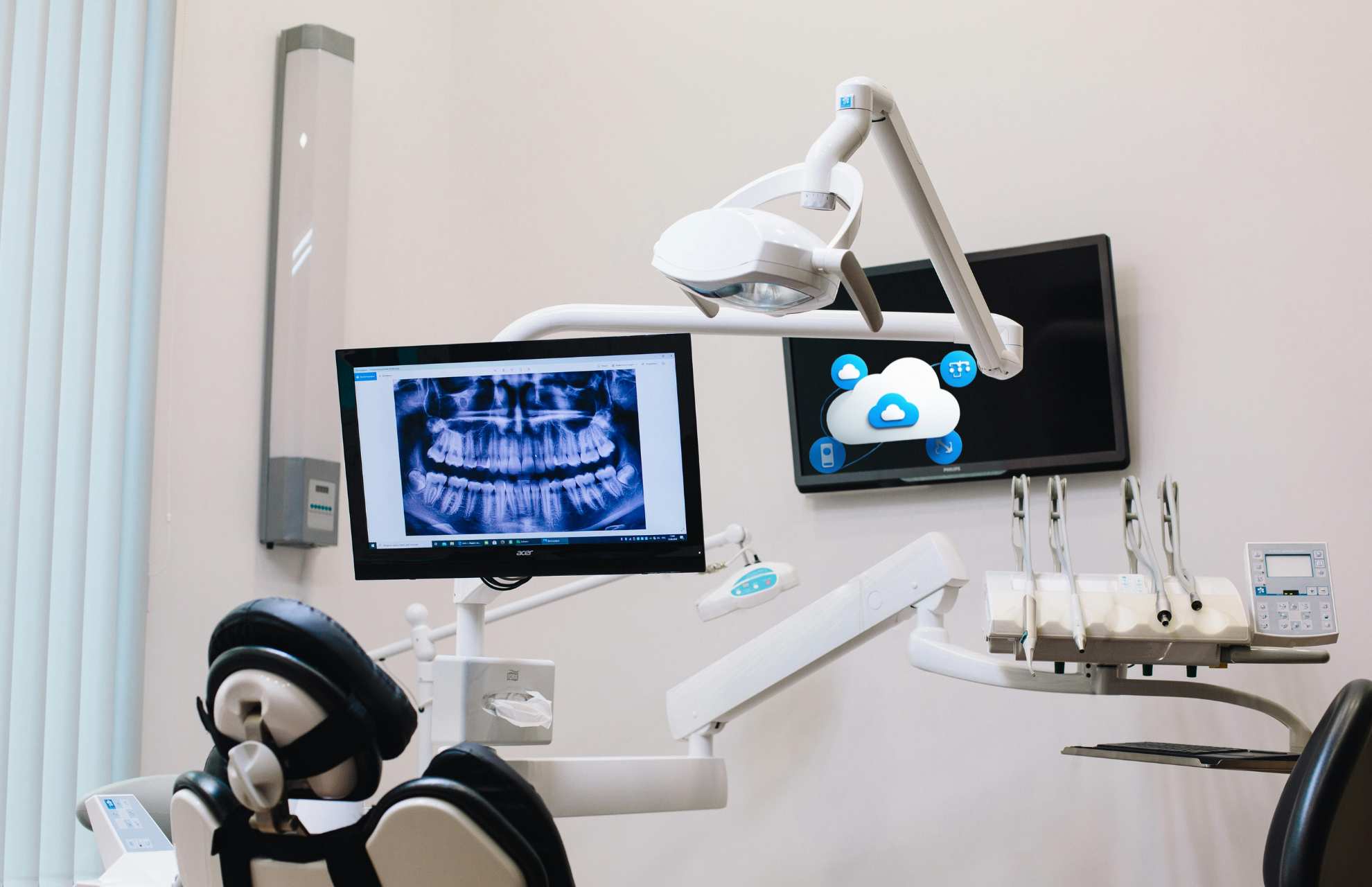
Dental Practice Data Backup | 1 true secure backup outsmarts every cyber threat
dental practice data backup
"But It’s in the Cloud!" Why Your Dental Practice Data Backup is Failing
The difference between cloud sync and true backup
“But It’s in the Cloud!” Why Your Dental Practice Data Backup is Failing
The Dangerous Illusion of Cloud Syncing
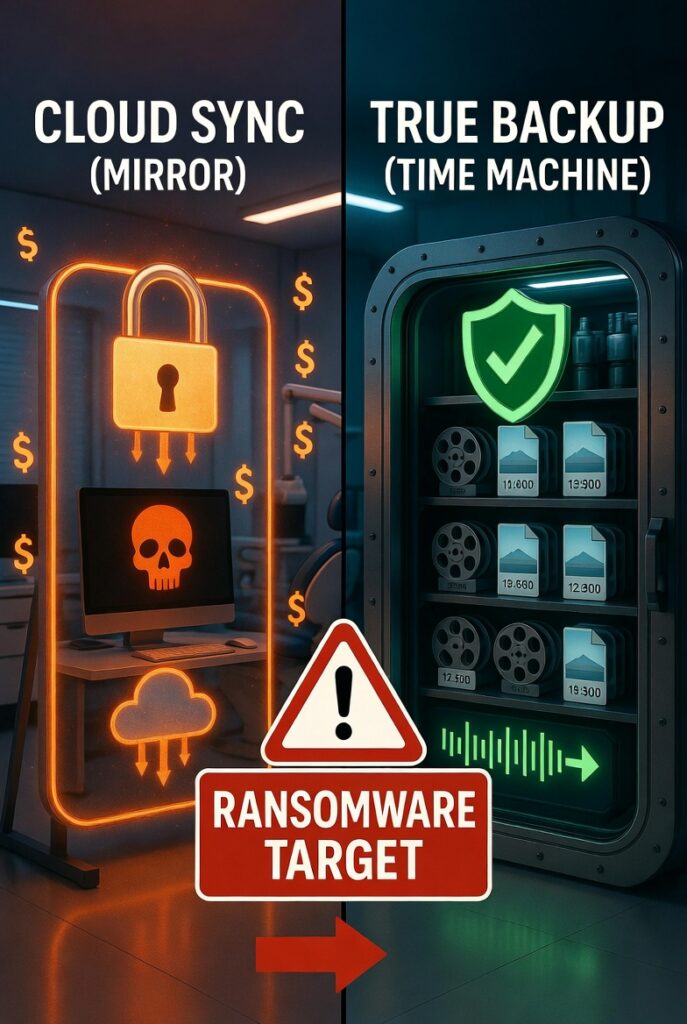
To understand the risk, we need to compare cloud sync vs. backup.
A cloud sync service (like OneDrive or Dropbox) is designed for collaboration and accessibility. It acts as a mirror. If you change, delete, or corrupt a file on your local office computer, the sync service instantly updates the cloud version to match.
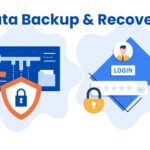
A true dental practice data backup, on the other hand, is a historical time machine. It takes a snapshot of your data at a specific moment and locks it away. If a file is corrupted locally, the backup retains the clean, original version.
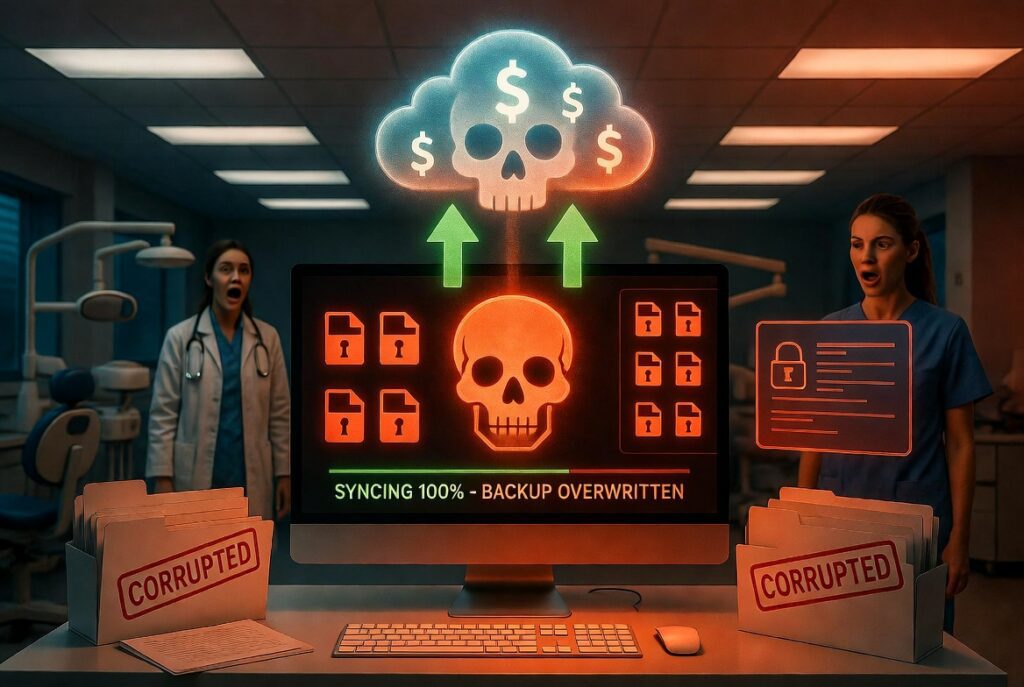
When you rely on sync rather than a true backup, you leave your digital front door wide open. And right now, ransomware hackers know the exact difference.
How Ransomware Exploits Your Synced Files
The HIPAA Nightmare: More Than Just Lost Files
What a True Dental Practice Data Backup Looks Like
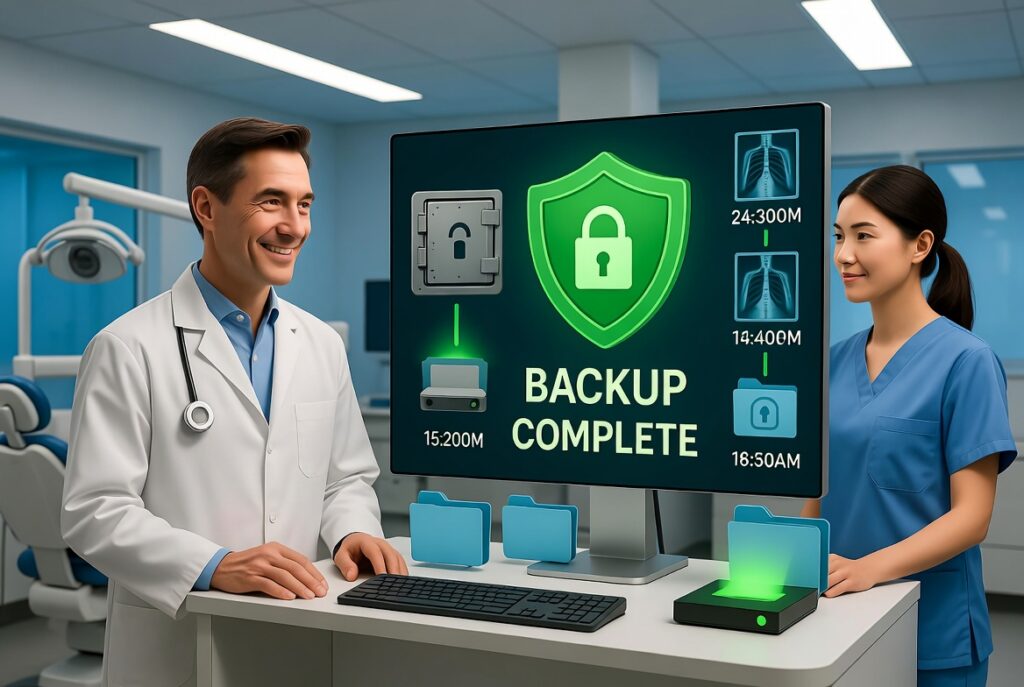
- Immutability: Once a backup snapshot is created, it cannot be altered, deleted, or encrypted by anyone—including ransomware.
- Offline/Air-Gapped Storage: The backup resides in a secure, isolated environment that the local office network cannot directly reach.
- Automated Testing: A backup is useless if it fails to restore. Your IT provider should be routinely testing your backups to guarantee they actually work.