dental practice data backup

Dental Practice Data Backup | 1 true secure backup outsmarts every cyber threat

dental practice data backup

"But It’s in the Cloud!" Why Your Dental Practice Data Backup is Failing

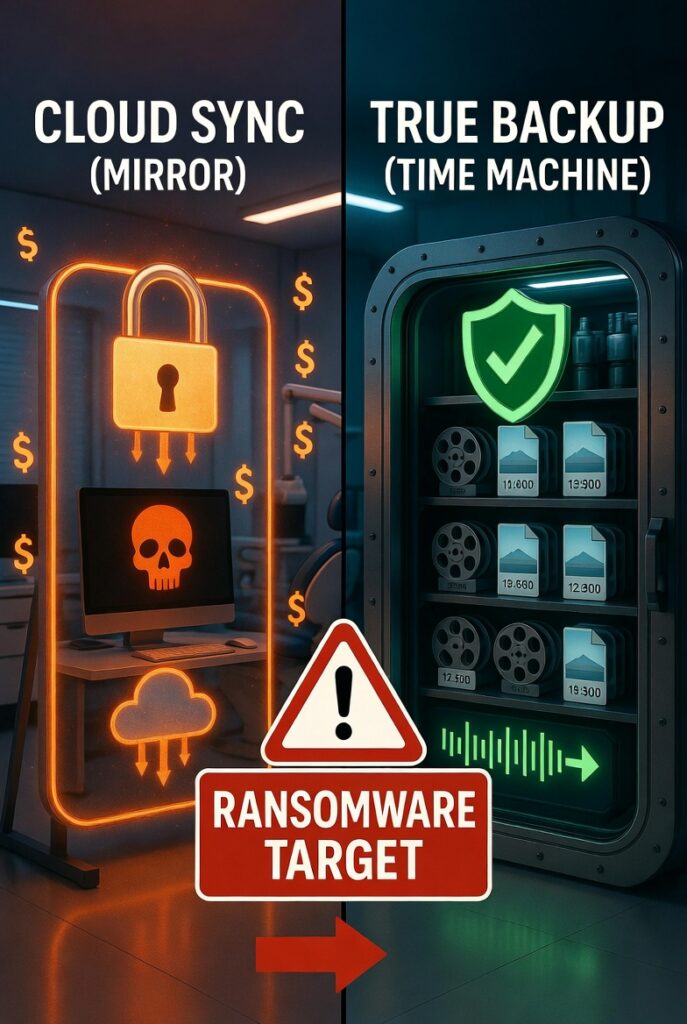
The difference between cloud sync and true backup

“But It’s in the Cloud!” Why Your Dental Practice Data Backup is Failing
As an IT partner for dental practices across the Tri-Valley, we hear a phrase that makes our blood run cold: “Don’t worry, all our patient files are in the cloud.”
 
Practice owners often assume that simply storing files online guarantees safety. But here is the hard truth: If you are using Dropbox, OneDrive, or Google Drive to store your files, you do not have a backup. You have a sync.
 
When it comes to your dental practice data backup, understanding the dangerous technical difference between syncing and backing up is the only thing standing between your clinic and a catastrophic ransomware attack.
dental practice data backup

The Dangerous Illusion of Cloud Syncing
To understand the risk, we need to compare cloud sync vs. backup.
A cloud sync service (like OneDrive or Dropbox) is designed for collaboration and accessibility. It acts as a mirror. If you change, delete, or corrupt a file on your local office computer, the sync service instantly updates the cloud version to match.
A true dental practice data backup, on the other hand, is a historical time machine. It takes a snapshot of your data at a specific moment and locks it away. If a file is corrupted locally, the backup retains the clean, original version.
When you rely on sync rather than a true backup, you leave your digital front door wide open. And right now, ransomware hackers know the exact difference.
dental practice data backup

How Ransomware Exploits Your Synced Files
Here is exactly how a disaster unfolds in a modern dental office.
 
A well-meaning front desk employee clicks a deceptive link in an email. Within seconds, ransomware silently infects the office network. The malware quietly encrypts your local patient files, locking them behind a paywall.
 
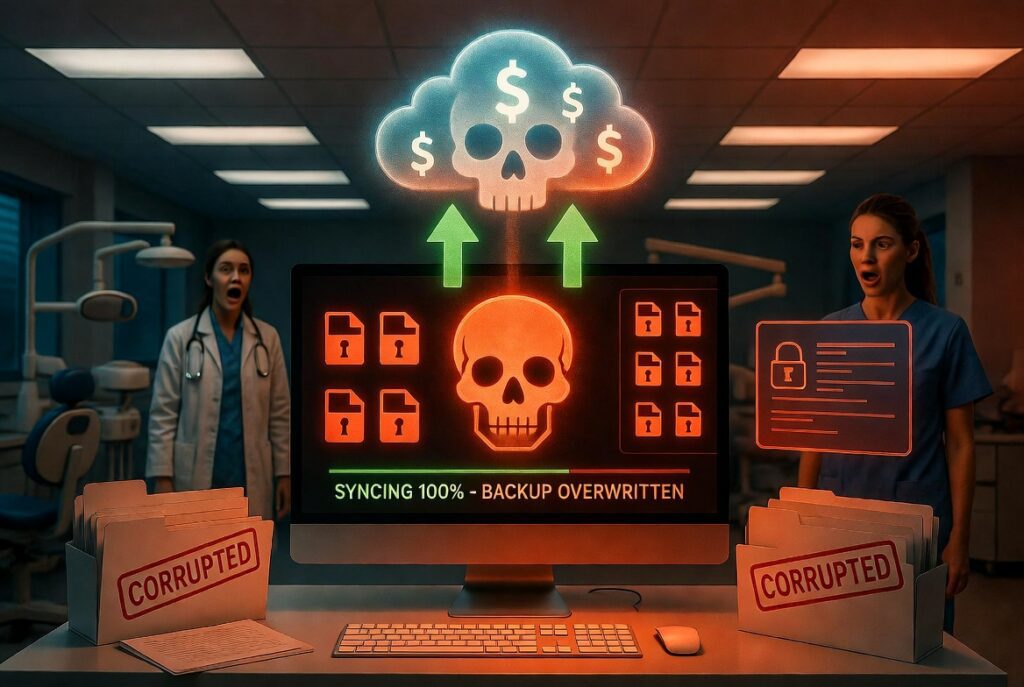
Because your cloud service is set to “sync automatically,” it detects the newly encrypted files immediately. The sync service says, “Great! Let me upload these changes to the cloud!”
 
Within minutes, your cloud “backup” is overwritten with encrypted garbage. When you attempt to restore your data, you are just restoring the ransomware. Suddenly, your ransomware protection for dentists has failed, not because the antivirus missed it, but because your backup strategy handed the keys to the hackers.
dental practice data backup

The HIPAA Nightmare: More Than Just Lost Files

Losing access to your scheduling software, digital X-rays, and patient charts means your practice grinds to a halt. You cannot treat patients, verify insurance, or access medical histories.
 
But the operational downtime is only half the problem.
 
Under HIPAA regulations, you are legally required to maintain secure, retrievable copies of electronic Protected Health Information (ePHI). If you cannot restore your data because your HIPAA-compliant backup was actually just a synced folder full of encrypted files, you are in violation of federal law.
 
Suddenly, you aren’t just dealing with a local IT headache. You are facing massive regulatory fines, potential lawsuits from patients, and permanent damage to your clinic’s reputation in the community.
 

What a True Dental Practice Data Backup Looks Like

To protect your livelihood, your backup strategy must be immune to the very malware trying to destroy it. A true, managed backup solution features three critical elements:
 
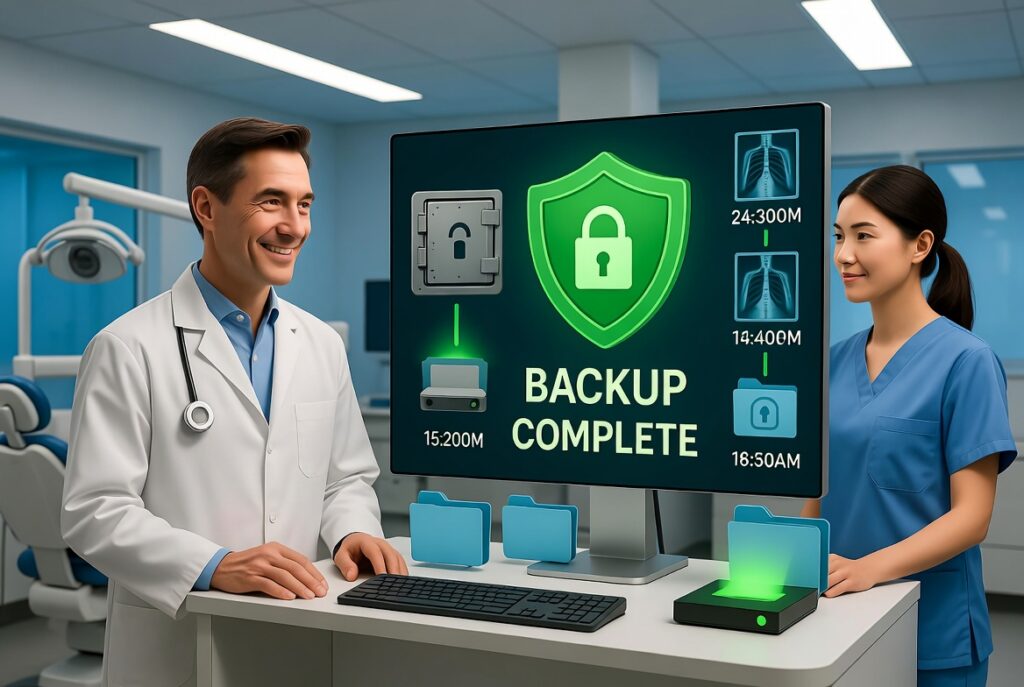
  1. Immutability: Once a backup snapshot is created, it cannot be altered, deleted, or encrypted by anyone—including ransomware.
  2. Offline/Air-Gapped Storage: The backup resides in a secure, isolated environment that the local office network cannot directly reach.
  3. Automated Testing: A backup is useless if it fails to restore. Your IT provider should be routinely testing your backups to guarantee they actually work.
 
If your current setup lacks these three pillars, you are rolling the dice with your clinic’s future. Let’s fix that before the dice land.
 

Secure Your Tri-Valley Dental Practice Today

Whether your practice is in Dublin, Pleasanton, San Ramon, Livermore, or the surrounding Tri-Valley areas, your patient data deserves uncompromising security. You need an IT partner who values transparency, clarity, and safety just as much as you do.
 
Don’t wait for a ransomware screen to appear on your monitors to find out your files weren’t actually backed up.
 
Want to know if your practice’s data is actually safe? Call us at 925.297.4404 today for a transparent, jargon-free IT health check. Let’s ensure your dental practice data backup is a fortress, not a liability.

No More ‘Figure It Out Later’—Let’s Fix It Together Today.

Skip the Frustration—Schedule a 30-Minute Tech Rescue.

Prev Post

Add a Comment

Your email address will not be published. Required fields are marked *

Captcha loading...