Cybersecurity Services That Protect Business Uptime
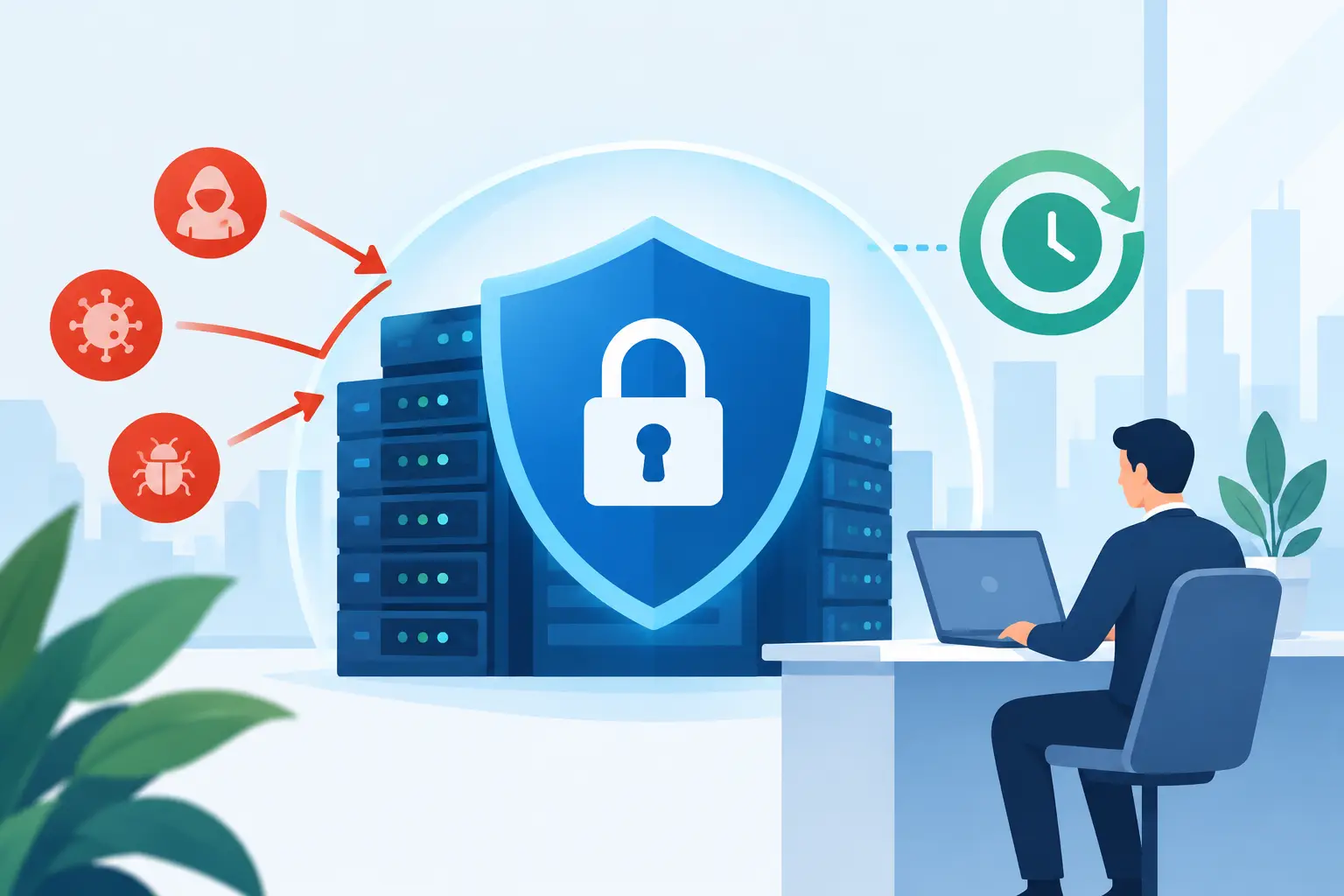
A suspicious email reaches an accounting employee at 9:12 a.m. By 9:18, a compromised password is being used to access Microsoft 365. By noon, invoices, client records, and shared files may be exposed. For a 10-to-100-person business, that is not an abstract security concern. It is a disruption to payroll, customer service, operations, reputation, and cash flow.
Cybersecurity services are designed to prevent that chain of events, detect it early when prevention fails, and give your business a clear response plan. The goal is not to fill your office with complicated security tools. It is to keep employees productive, data protected, and leadership informed without asking an office manager or business owner to become the security department.
Why small and mid-sized businesses are targeted
Many business leaders assume cybercriminals only pursue large enterprises. In practice, smaller organizations are often attractive because they hold valuable data but may have fewer layers of protection, limited internal IT resources, and informal processes around passwords, access, and backups.
A law firm may store confidential client files. A healthcare practice handles protected health information. A manufacturer depends on connected systems to keep production moving. Financial and professional-services firms process sensitive records and payments every day. Each has something attackers can steal, encrypt, interrupt, or use for fraud.
The most common attacks are not always technically sophisticated. Phishing messages impersonate a vendor, executive, or Microsoft login page. Stolen credentials are reused across services. Ransomware enters through an unpatched device or remote connection. A former employee retains access longer than they should. These events often begin with a small gap and become expensive because no one sees the warning signs soon enough.
What effective cybersecurity services include
A useful security program combines technology, monitoring, processes, and accountable support. Buying a firewall or antivirus subscription alone does not create a managed security program. Those tools need to be configured correctly, monitored consistently, and adjusted as your business changes.
Endpoint protection and device management
Every laptop, desktop, server, and mobile device is a possible entry point. Endpoint protection helps identify malware, suspicious activity, and risky applications before they spread across the network. Device management supports the basics that are easy to overlook when teams are busy: security updates, disk encryption, screen-lock settings, approved software, and removal of outdated access.
This matters for hybrid teams as much as office-based teams. A device used at home, on public Wi-Fi, or while traveling still needs the same level of protection as one connected at headquarters in Walnut Creek or Dublin.
Identity and Microsoft 365 security
Email and cloud identities are frequent targets because one compromised account can expose messages, files, contacts, and connected applications. Strong cybersecurity services protect identities with multi-factor authentication, conditional access policies, secure password practices, and prompt removal of accounts that are no longer needed.
Microsoft 365 security also deserves active management. Businesses need protection against malicious email, unsafe file sharing, unauthorized forwarding rules, and risky sign-in activity. The right settings depend on how your employees work. A strict policy that blocks a critical client workflow may create workarounds, while a loose policy can leave sensitive data exposed. Good security balances protection with practical operations.
Firewall, network, and Wi-Fi oversight
Your network should not be treated as a set-it-and-forget-it appliance. Firewall management includes reviewing alerts, applying updates, controlling remote access, and separating systems when appropriate. Guest Wi-Fi should not have the same access as employee devices, and sensitive systems may need additional segmentation.
Network monitoring can also uncover issues that look like ordinary performance problems. Unusual traffic, repeated connection attempts, or an unfamiliar device on the network may signal a security concern before it becomes a business interruption.
Backup and disaster recovery planning
Backups are essential, but a backup is only valuable if it can be restored when needed. Ransomware can affect connected backup systems, and a failed restore can turn a manageable incident into days of downtime.
A practical disaster recovery plan identifies which applications and data must return first, how quickly they need to be available, and who makes decisions during an incident. For some organizations, email and cloud files must be restored quickly. For others, line-of-business software, shared engineering data, phone systems, or specialized equipment take priority. The plan should reflect the way your organization actually operates.
Continuous monitoring and response
Security tools generate alerts, but alerts do not protect a business if nobody reviews and acts on them. Continuous monitoring helps identify suspicious sign-ins, missing patches, endpoint threats, and unusual network behavior. When an event requires action, your provider should have a defined response process: contain the issue, investigate the scope, restore normal operations, and document what needs to change.
Fast response matters, but it should not mean rushed decisions. Disconnecting a device may be necessary to stop a threat from spreading. It may also interrupt an employee’s work. An experienced team can make those trade-offs quickly, communicate clearly, and keep leadership focused on business priorities.
Cybersecurity services should reduce operational burden
The real value of managed security is not a long list of products. It is fewer surprises and fewer vendors to coordinate when something goes wrong. Instead of asking who manages the firewall, who handles Microsoft 365, who checks backups, and who responds to an employee’s suspicious email, your business has one accountable team.
For East Bay organizations, local support adds another practical advantage. Many issues can be handled remotely, but some problems require someone on-site to troubleshoot a network closet, replace equipment, recover a workstation, or work directly with employees. A provider that understands your environment and can be there when remote support is not enough reduces downtime and confusion.
Predictable monthly pricing also changes the conversation. Break-fix support can appear less expensive until a significant incident, server failure, or compliance problem creates an unplanned bill. A managed approach makes it easier to budget for prevention, ongoing maintenance, and response rather than hoping nothing goes wrong.
How to evaluate cybersecurity services
Ask prospective providers how they protect the systems your team uses every day, not just which products they sell. They should be able to explain endpoint security, Microsoft 365 protections, firewall oversight, backup testing, and incident response in straightforward business terms.
You should also ask who owns each responsibility. For example, does the provider monitor alerts after business hours? Who contacts your organization during a suspected breach? How quickly are security updates applied? How are departing employees removed from systems? Are backups tested on a schedule? Clear answers are more valuable than vague assurances that security is “handled.”
For regulated businesses, ask how the provider supports your compliance obligations. Healthcare, legal, financial, and professional-services organizations may need documented access controls, risk assessments, retention practices, and evidence of security procedures. Compliance does not guarantee safety, and security tools do not automatically make an organization compliant. The two must work together.
Finally, look for a provider that discusses your risks in the context of your business. A company with a distributed workforce, frequent client file sharing, and cloud-based applications has different priorities than a manufacturer with on-site systems and production deadlines. The service plan should reflect those differences rather than applying the same settings to every client.
Security is a daily operating practice
Technology is only one part of the equation. Employees need simple, repeatable guidance on suspicious emails, payment-change requests, password prompts, and the proper handling of client information. Training is most effective when it is relevant and regular, not a once-a-year presentation full of technical jargon.
Leadership also needs visibility. A good security partner translates technical findings into decisions: which risks need immediate attention, which improvements can be planned into the budget, and where policies need clarification. That is how cybersecurity becomes part of operational planning instead of an issue raised only after an incident.
iNeedTechie helps businesses across the Tri-Valley and East Bay bring IT support, monitoring, security, cloud management, and recovery planning under one accountable local partner. Problems found early mean fewer interruptions for the people who keep your business moving.
The most useful next step is not to wait for a breach to test your defenses. Start by identifying the systems your team cannot afford to lose access to, the data that requires the strongest protection, and the person who would make decisions if an incident happened this afternoon. Those answers create a practical foundation for security that supports growth rather than slowing it down.