Tri Valley Wi-Fi Security Check
5 Alarming Signs Your Home Wi-Fi Is Unsafe — And How a Tri-Valley Techie Can Lock It Down Today
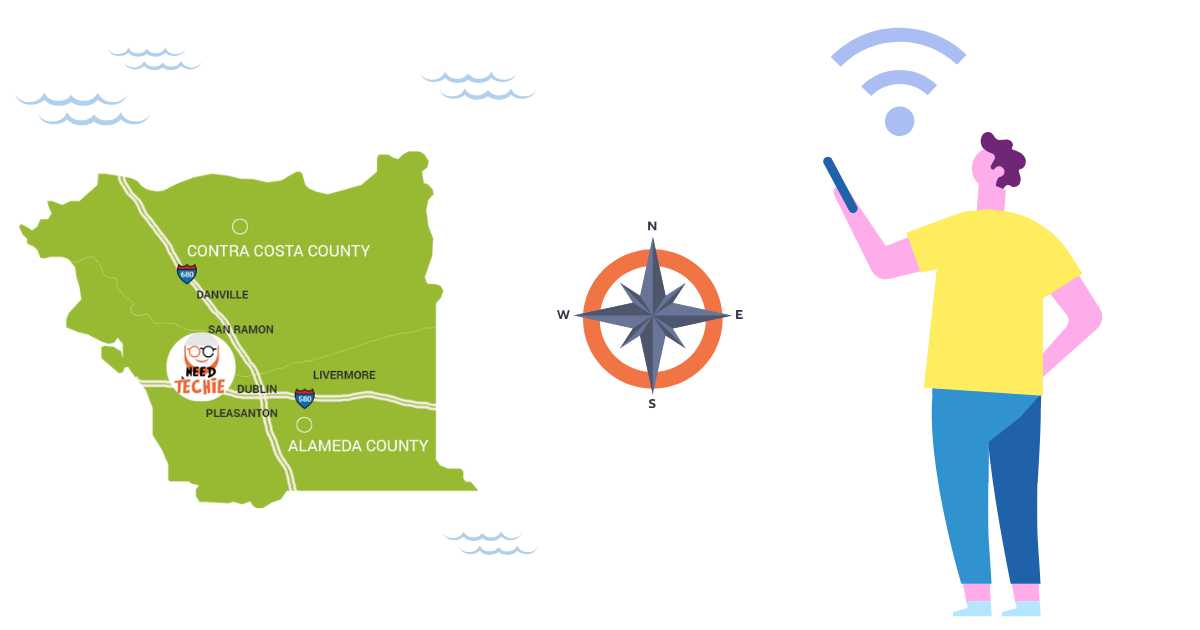
Is my Wi-Fi secure? If you’re a resident of San Ramon, Dublin, Danville, or Pleasanton — and you’ve noticed slow speeds, unknown devices, or feel uneasy about digital safety — this question matters more than ever. With remote work, smart homes, and online learning, your Wi-Fi is the frontline of home security. Unfortunately, CISA reports a sharp rise in residential network attacks. The reassuring part? A quick home network security check by a trusted local pro can lock things down — often same-day.
1. You’re Still Using the Router’s Default Password (Yes, Even That One from Comcast or AT&T)
Many Tri-Valley homes use ISP-provided routers — and never change the factory settings. Default logins admin/password are public knowledge. Hackers scan neighborhoods automatically. If your login hasn’t been updated since installation? Your network is wide open.
✅ Local Fix: We’ve helped dozens of families in Danville and Pleasanton update credentials safely — no tech stress. A 15-minute home visit resets both the admin and Wi-Fi passwords to military-grade strength.
2. Unknown Devices Keep Popping Up (Especially During School Hours)
Check your router app or log in to 192.168.1.1. See “iPhone-3672”, “Android-Unknown”, or duplicate device names? In dense neighborhoods like Windemere (San Ramon) or Fallon Ranch (Dublin), signal bleed makes Wi-Fi “borrowing” common — and risky.
✅ Local Fix: We map all connected devices, identify intruders, and set up MAC filtering + guest networks — so your kids’ Zoom classes stay fast and private. Part of every home network security check.
3. Your Router Is Older Than Your Teen’s First Phone
Routers degrade — and so does their security. If yours is from before 2020 (or supplied by your ISP), it likely lacks WPA3, auto-updates, or intrusion detection. Outdated firmware is the #1 cause of home breaches.
✅ Local Fix: We assess your gear (in-home or via photo), then recommend affordable, future-proof upgrades — like TP-Link Deco or Eero Pro with built-in antivirus. We handle setup, migration, and recycling — no downtime. Schedule your router health check for Dublin & San Ramon residents this week.
4. Encryption Is Set to “WEP” or — Worse — “Open Network.”
WEP was cracked in 2005. “Open” means no password at all. If your Wi-Fi doesn’t require a passphrase or uses weak encryption, everything you send — passwords, banking, video calls — can be intercepted. The FCC warns this is like mailing your keys to strangers. Request Tri Valley Wi-Fi Security Check!
✅ Local Fix: We verify and enforce WPA2/WPA3 encryption — and disable legacy protocols. Bonus: We print a simple “Wi-Fi Security Card” for your fridge, so family members know how to stay safe.
5. You’ve Never Had a Professional Home Network Security Check
Free apps like Fing or NetSpot help — but misinterpretation is common. Is port 53 open? Is UPnP enabled? Is your DNS pointing to a hijacked server? These require expertise.
✅ Tri-Valley Advantage: Unlike remote “cybersecurity consultants”, we come to *your* home in Dublin, San Ramon, Danville, or Pleasanton — same-day or next-day. We run full vulnerability scans, harden IoT devices (Ring, Nest, cameras), and leave you with a clear Security Scorecard.
🔒 Lock Down Your Wi-Fi — With a Neighbor, Not a Stranger
You value clarity, safety, and independence — especially when it comes to your home and family’s digital life. That’s why hundreds of Tri-Valley households trust a local, vetted techie (not an offshore call center) for real protection.
Tri Valley Wi-Fi Security Check
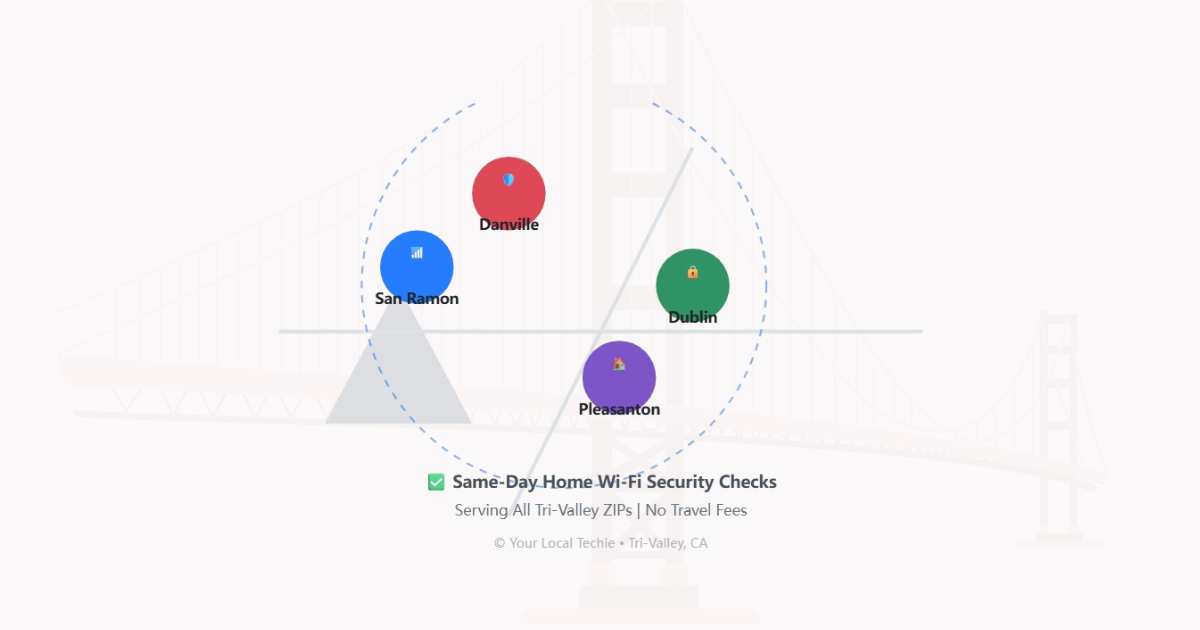
P.S. We serve all Tri-Valley ZIPs: 94583 (San Ramon), 94568 (Dublin), 94526/94506 (Danville), 94566/94588 (Pleasanton). No contracts. No upsells. Just honest, local help.
Further Reading: FTC: Secure Your Wi-Fi Network | CISA’s “Secure Our World” Campaign
Request Tri Valley Wi-Fi Security Check